
Websites4 min read
How to Build a Website That Converts Visitors Into Enquiries
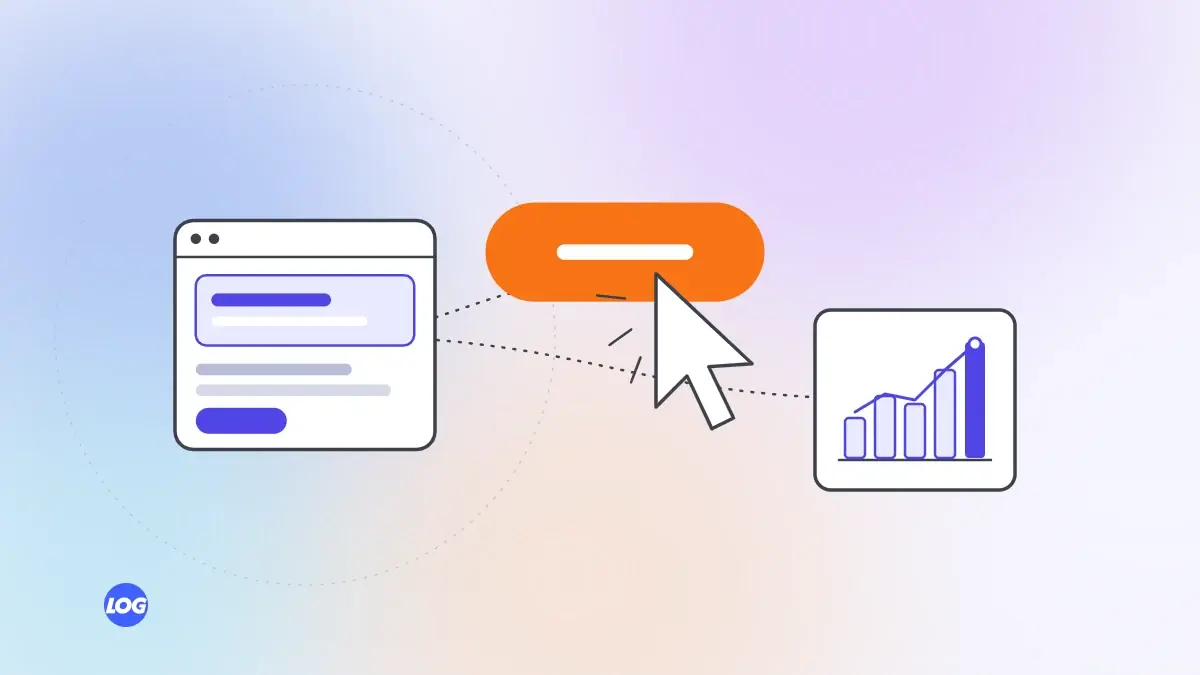
The parts of a website that turn visitors into enquiries: clear messages, trust, easy contact options and speed.
We use necessary cookies to make the site work. With your permission, we'd also like to use analytics cookies to see how people use the site, and advertising cookies to measure our ads. You can change your mind at any time. Cookie policy
WordPress powers a huge share of the web, while Next.js has become a popular choice for fast, modern websites. This guide compares Next.js vs WordPress honestly, so you can choose what fits your business, team and budget.
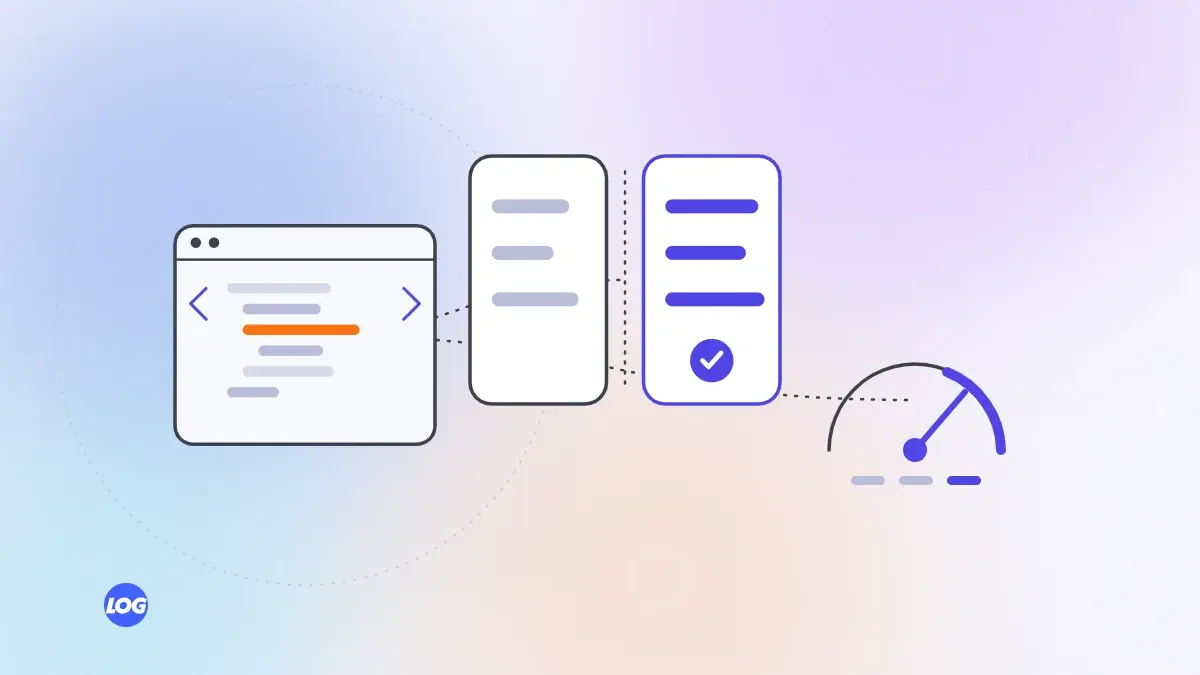
When planning a new website, many businesses ask whether to build on WordPress or a modern framework like Next.js. Both can produce excellent websites, and both can produce poor ones. Comparing Next.js vs WordPress is less about which is better in general and more about which fits your needs, your team and how you will look after the site.
WordPress is a content management system that runs a large share of websites. You choose a theme for the design and add plugins for features such as forms, SEO and ecommerce. Many people can edit WordPress, and many developers know it.
Next.js is a framework for building websites and web apps with React. It is often paired with a headless content management system, where content is edited in one place and delivered to the website through an API. Developers build the site; editors manage content through the CMS.
Next.js sites can be very fast, because pages can be pre-built and only the code each page needs is sent to the browser. WordPress sites can also be fast, but many slow down as themes and plugins are added. A well-built WordPress site beats a badly built Next.js site, but out of the box, Next.js usually has the advantage.
WordPress has a familiar editor, and many staff have used it before. With Next.js, editing depends on the CMS chosen. A good headless CMS or built-in page builder can be just as easy, sometimes easier, but it needs to be set up properly.
WordPress is a common target for attacks because it is so widely used, and plugins can introduce vulnerabilities. It needs regular updates. Next.js sites with a separate CMS have fewer exposed parts, which usually reduces risk, but they still need maintenance.
WordPress has thousands of plugins for almost any feature. That is convenient, but plugins vary in quality and can conflict. Next.js can build almost anything, but custom features need a developer. For unusual tools, calculators or integrations, Next.js often gives more control.
WordPress sites built from templates can be cheaper to start. Custom WordPress builds and custom Next.js builds can cost similar amounts. Running costs differ: WordPress needs regular plugin and security updates, while Next.js sites need developer support for changes beyond content.
Whatever the platform, the quality of planning, design, content and development decides results. Digital marketing firms and web studios often have a favourite platform, so ask any provider why they recommend it for your needs. Our website design and development service builds on Next.js with a headless CMS, and we will tell you if WordPress suits you better. For more on speed, see our Core Web Vitals guide.
We build most websites on Next.js with a headless content system and a visual page builder, so pages are fast and editors can change content without a developer. But we ask first how the client's team will edit the site and what features they need.
If a client's team already knows WordPress well and needs mainly standard features, we say so. The right platform is the one the business can run well for years.
Neither guarantees better rankings. Next.js sites are often faster out of the box, which helps page experience. A well-built WordPress site can also rank very well. Content and technical setup matter most.
Yes, if it is built with a content management system or page builder. Editors change words, images and pages there, without touching code. Ask to see the editing screens before you choose.
It can be, with regular updates, well-maintained plugins, strong passwords and good hosting. Because it is widely used, it is a common target, so neglected WordPress sites are at higher risk.
Template-based WordPress sites are usually cheaper to start. Custom builds on either can cost similar amounts. Compare running costs too: updates, hosting and the developer support each needs.
Yes. Content can be moved to a headless CMS, and old page addresses redirected to new ones to protect rankings. Plan the move carefully with a full redirect map.
Websites4 min read
The parts of a website that turn visitors into enquiries: clear messages, trust, easy contact options and speed.

Websites4 min read
Why speed affects enquiries and rankings, how to test it properly and the fixes that make the biggest difference.

Websites4 min read
What to plan before building an online store: platform, catalogue, payments, delivery, speed and search.