

Social media4 min read
Instagram Marketing for Business: What Works in India
How Indian businesses can use Instagram to win customers: profile, posts, Reels, Stories, messages and ads.
We use necessary cookies to make the site work. With your permission, we'd also like to use analytics cookies to see how people use the site, and advertising cookies to measure our ads. You can change your mind at any time. Cookie policy
A content calendar turns social media from a daily scramble into a monthly plan. This guide shows how to build a social media content calendar you can actually keep, with themes, a sustainable rhythm, festival dates and a simple review.
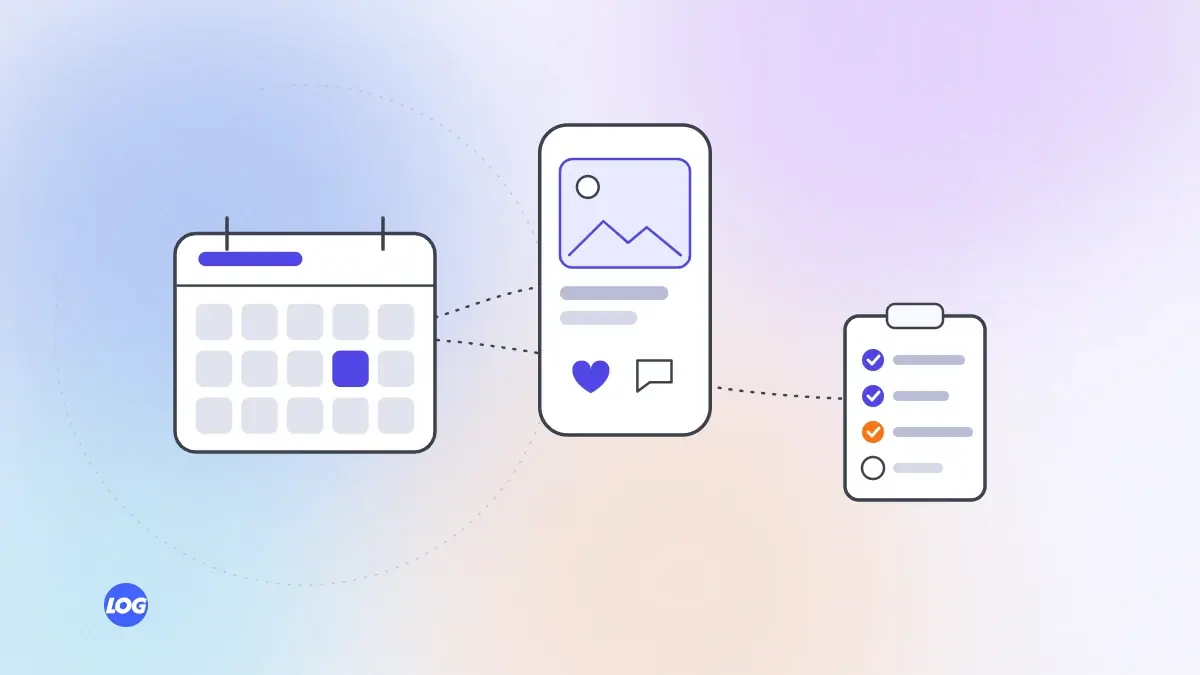
Most businesses that give up on social media do so because posting becomes a daily scramble: what to post, who will make it and when. A social media content calendar fixes that. It is simply a plan of what you will post, where and when, made in advance. Here is how to build one you can keep.
Start with the one or two platforms that matter most to your customers. Then choose a rhythm you can sustain, such as three posts a week on Instagram and two on LinkedIn. It is better to post a little less consistently than to post daily for two weeks and then stop.
Themes make planning faster. For example:
Rotate them through the week, so your feed has variety.
In India, festivals and seasons shape buying: Diwali, Pongal, Onam, Eid, Christmas, wedding season, school admissions, the monsoon and the financial year-end. Mark the dates that matter to your customers, plus your own launches and events. Plan festival content a few weeks ahead, so it is ready in time and not rushed.
A spreadsheet works well. Use columns for date, platform, theme, format (Reel, carousel, Story), topic, caption, image or video, status and link. Some teams prefer a shared calendar or a scheduling tool. The tool matters less than using it every week.
Instead of creating one post a day, set aside one or two sessions a month:
Batching saves time and keeps quality consistent.
A calendar is a plan, not a cage. Leave space for timely posts: a project finished this week, a team celebration or news in your industry. Stories are ideal for these.
If more than one person is involved, write down who plans, who creates, who approves and who posts. Add an approval deadline a few days before each post goes live. Most calendars fail not because of ideas but because nobody owns the next step.
One piece of content can become several posts. A blog article can become a carousel, a short video and a LinkedIn post. A client project can become a before-and-after post, a Reel and a case study. Plan repurposing into your calendar.
At the end of each month, look at which posts brought the most messages, link clicks and enquiries, not just likes. Do more of the themes and formats that work, and drop what does not.
Content planning is one of the services digital marketing teams handle most often for busy owners. Our social media marketing service builds a monthly calendar with you and reports what each theme brings in.
We plan social media one month at a time with each client: the themes, the posting rhythm, the festival and seasonal dates that matter to their customers and any launches coming up. The client approves the calendar before we create anything.
We batch photography, captions and design into a couple of sessions, schedule the posts and leave space for timely updates. At month end, we review which themes brought messages and enquiries.
It is a plan showing what you will post, on which platform and when, usually made a month in advance. It turns daily decisions into a monthly routine.
A month at a time works well for most businesses, with festival and campaign content planned a few weeks earlier. Leave room for timely posts.
A spreadsheet is enough to start. Shared calendars and scheduling tools help larger teams. The best tool is the one your team actually uses every week.
Plan a number you can sustain, such as three posts a week on your main platform, plus Stories when you have news. Consistency matters more than volume, so start smaller and add more once the routine is working.
Yes. Festivals and seasons drive buying in India, and rushed posts look it. Plan festival content a few weeks ahead and connect it to your products or services.
Social media4 min read
How Indian businesses can use Instagram to win customers: profile, posts, Reels, Stories, messages and ads.
Social media4 min read
How companies can use LinkedIn pages, founder posts and team activity to build trust with buyers, partners and future hires.
Social media4 min read
How to reply to comments and messages, handle complaints in public and turn everyday conversations into customers.