
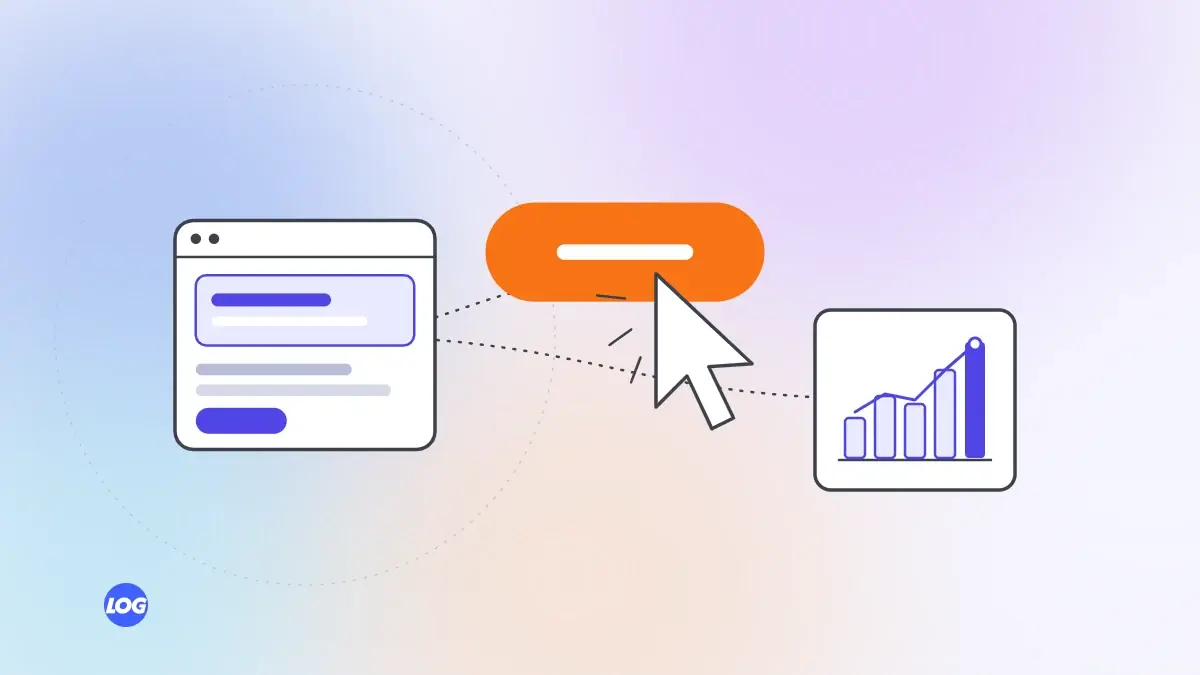
Websites4 min read
How to Build a Website That Converts Visitors Into Enquiries
The parts of a website that turn visitors into enquiries: clear messages, trust, easy contact options and speed.
We use necessary cookies to make the site work. With your permission, we'd also like to use analytics cookies to see how people use the site, and advertising cookies to measure our ads. You can change your mind at any time. Cookie policy
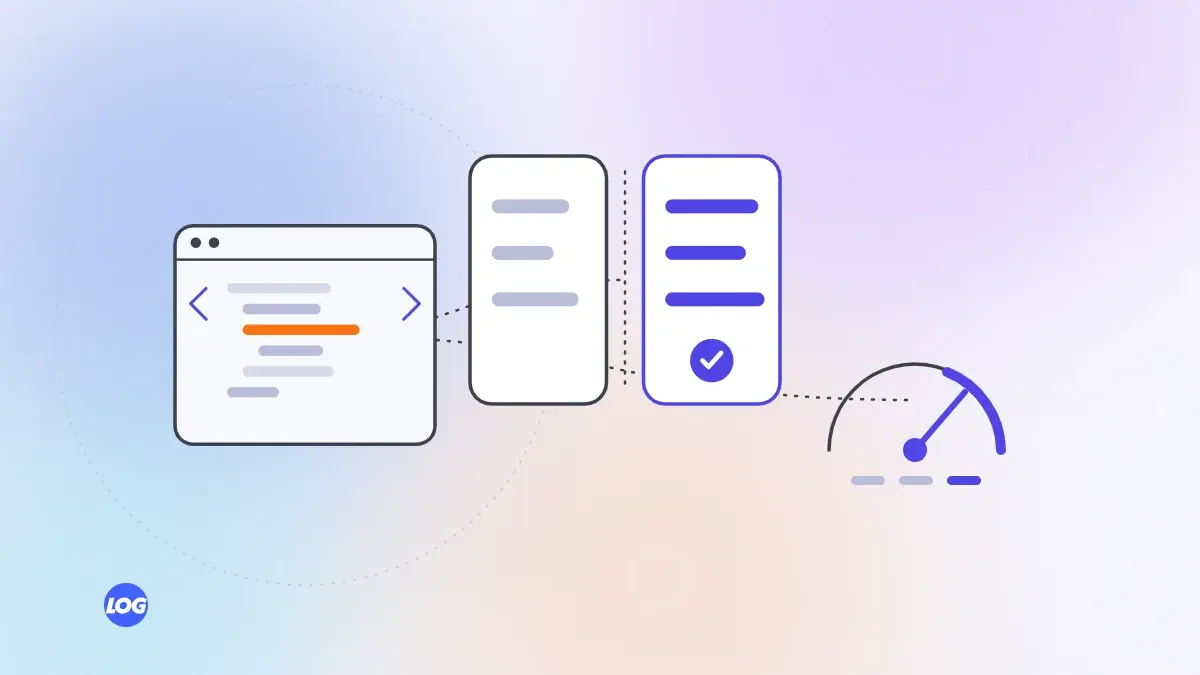
A slow page loses visitors before they see what you offer. This guide explains why website speed matters, how to test it the way customers experience it and the fixes that usually make the biggest difference.

Every second a page takes to load gives visitors a reason to leave. In India, where many people browse on mid-range phones and mobile data, website speed matters even more. Fast pages keep visitors, bring more enquiries and support your search rankings. Here is how to test and improve it.
Your office Wi-Fi and laptop are not how most customers see your site. Test in ways that reflect real use:
Focus on real visitor data first; lab scores are useful for diagnosis.
Resize and compress images. Serve images at the size they are displayed, in modern formats such as WebP or AVIF, and load images further down the page only when needed.
Remove what you do not need. Audit third-party scripts and plugins. Each one should earn its place. Delay non-essential scripts until after the page loads.
Improve hosting. A faster server and a content delivery network can cut the time before anything appears.
Load the main content first. Make sure the heading and main image appear quickly, and avoid layouts that jump around as things load.
Use caching. Let browsers and servers store parts of the page, so repeat visits are faster.
Chat widgets, review badges, booking tools, maps and tracking scripts each load code from another company's servers. One slow tool can delay the whole page. Load maps and chat only when a visitor needs them, for example after a tap, and remove tools that nobody on your team uses any more.
Most websites use a few templates for many pages. Fixing the template behind a group of slow pages improves all of them at once. Start with the templates for your service, product and landing pages.
Speed slips over time as new images, scripts and plugins are added. Check speed after every significant change and include it in a monthly review.
If an old site needs many fixes, a rebuild on a modern, lightweight platform may be more cost-effective. Our Core Web Vitals guide covers the specific metrics in detail.
Speed is one of the most practical services digital marketing and web teams can improve quickly. Our website design and development service builds fast sites and fixes slow ones.
We test speed on a mid-range phone over mobile data and in Search Console's Core Web Vitals report before changing anything. That shows which templates are slowest for real visitors.
Most of our first fixes are images that are far too large, third-party scripts nobody needs any more and slow hosting. We fix templates rather than single pages, then recheck after each change.
As fast as possible on a real phone over mobile data. Use Core Web Vitals as a guide: the main content should appear quickly, the page should respond promptly to taps and the layout should not jump around.
Yes, as one of many signals. Google uses page experience, including Core Web Vitals, in its ranking systems. Speed matters even more for visitors and enquiries.
Phones usually have slower processors and connections than office laptops and Wi-Fi. Large images and heavy scripts affect phones much more. Always test on a real phone.
It can, especially if your server is slow to respond. But large images and heavy scripts are often bigger problems, so fix those as well.
No. Real visitor experience matters more than a lab score. Aim to pass Core Web Vitals for real users and keep pages quick on phones, rather than chasing a perfect number.
Websites4 min read
The parts of a website that turn visitors into enquiries: clear messages, trust, easy contact options and speed.
Websites4 min read
A fair comparison of Next.js and WordPress for business websites: speed, editing, security, flexibility and cost.

Websites4 min read
What to plan before building an online store: platform, catalogue, payments, delivery, speed and search.