
UI/UX design4 min read
UI vs UX: What Is the Difference and Why Both Matter
A plain explanation of user interface and user experience design, how they differ and why both affect sales.
We use necessary cookies to make the site work. With your permission, we'd also like to use analytics cookies to see how people use the site, and advertising cookies to measure our ads. You can change your mind at any time. Cookie policy
Changing a design on paper costs minutes; changing a built website costs days. Wireframes and prototypes let you test structure, content and journeys before development. This guide explains what they are and how to use them well.

Many website projects go straight from a brief to a finished design, then to development. When problems appear late, such as a confusing journey or missing content, fixing them is slow and expensive. Wireframes and prototypes add a cheap, quick step in between, where ideas can be tested and changed before anything is built.
A wireframe is a simple layout of a page, usually in grey boxes and plain text. It shows:
It deliberately leaves out colours, fonts and images, so everyone focuses on structure and content rather than style.
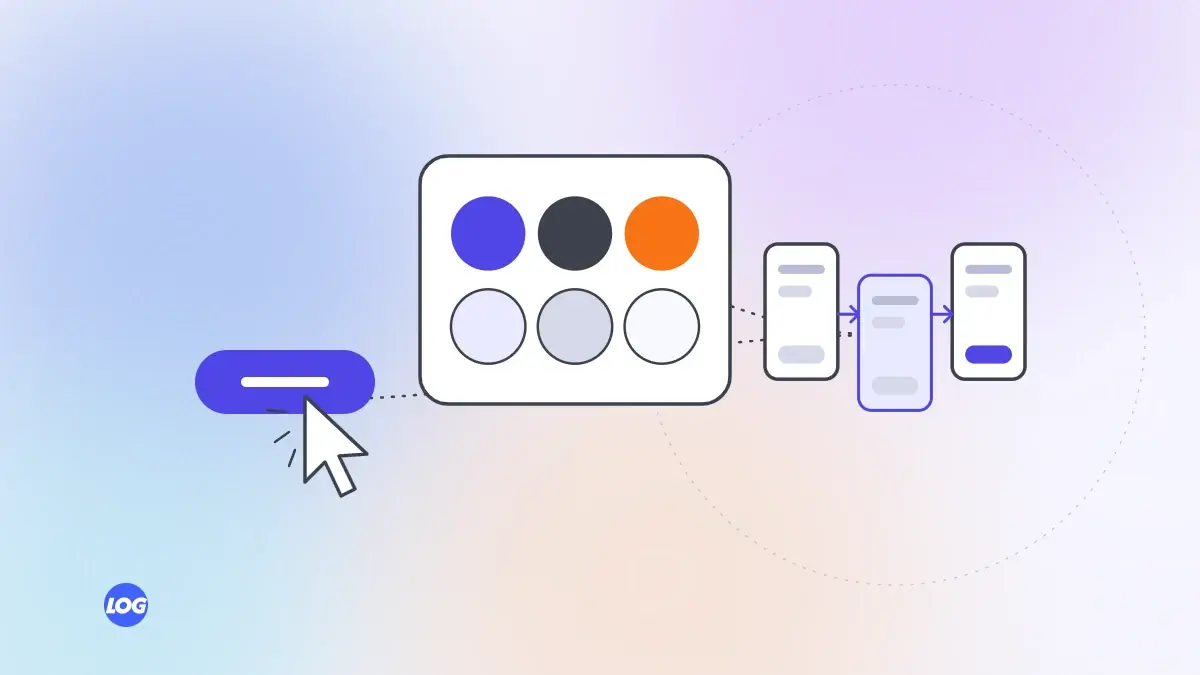
A prototype is a clickable version of the design. People can tap buttons, move between screens, open menus and try forms, as if using the real site. Prototypes range from linked wireframes to detailed designs that look almost finished.
You do not need many testers; a handful usually reveals the biggest issues.
Wireframe and prototype the phone version first, because most visitors arrive on phones and small screens force clear priorities. Then adapt the design for larger screens.
Wireframes work best with real words. Placeholder text hides problems: a heading that needs twelve words where the design allows five, or a service that needs three paragraphs of explanation in a space meant for one line. Drafting real headings and key text at the wireframe stage shows early whether the layout fits the message.
Once the structure and journey work, apply the visual design: colours, typography, images and brand details. Keep testing key screens as they become more detailed.
A good designer shares wireframes and prototypes, explains the reasoning, tests them with users and changes them based on feedback. Many agencies marketing web design skip this step to save time. Ask to see wireframes for your project. Our UI/UX design service tests prototypes before any code is written.
On every design project, we wireframe the key pages for phones first, using real headings and sample content rather than placeholder text. The client reviews structure before any colours or images are added.
Then we link the screens into a clickable prototype and test it with a few people who match the client's customers. Problems found at this stage cost minutes to fix, not days of development.
A wireframe is a simple static layout showing structure and content. A prototype is clickable, letting people move between screens and try interactions as if using the real site.
They help even on small sites, especially for the home page, main service pages and contact or booking pages. A few simple wireframes can prevent costly changes later.
Three to five people who match your customers usually reveal the biggest problems. Test again after changes if the issues were significant.
Design tools such as Figma are common, letting designers create wireframes, link screens and share clickable prototypes that people can try on phones or computers.
They add a short step early on, but usually save time overall by catching problems before development, when changes are much slower and more expensive.
UI/UX design4 min read
A plain explanation of user interface and user experience design, how they differ and why both affect sales.

UI/UX design4 min read
Simple, low-cost ways to learn what customers need from your website before you redesign anything.
UI/UX design4 min read
Why designing for phones first leads to clearer, faster websites, with practical rules for small screens.