

UI/UX design4 min read
Wireframes and Prototypes: Testing Ideas Before You Build
How wireframes and prototypes let you test layouts and journeys cheaply, before any code is written.
We use necessary cookies to make the site work. With your permission, we'd also like to use analytics cookies to see how people use the site, and advertising cookies to measure our ads. You can change your mind at any time. Cookie policy
UI and UX are often used as if they mean the same thing. They do not, but they depend on each other. This guide explains UI vs UX in plain language, what each covers and why both affect how many visitors become customers.
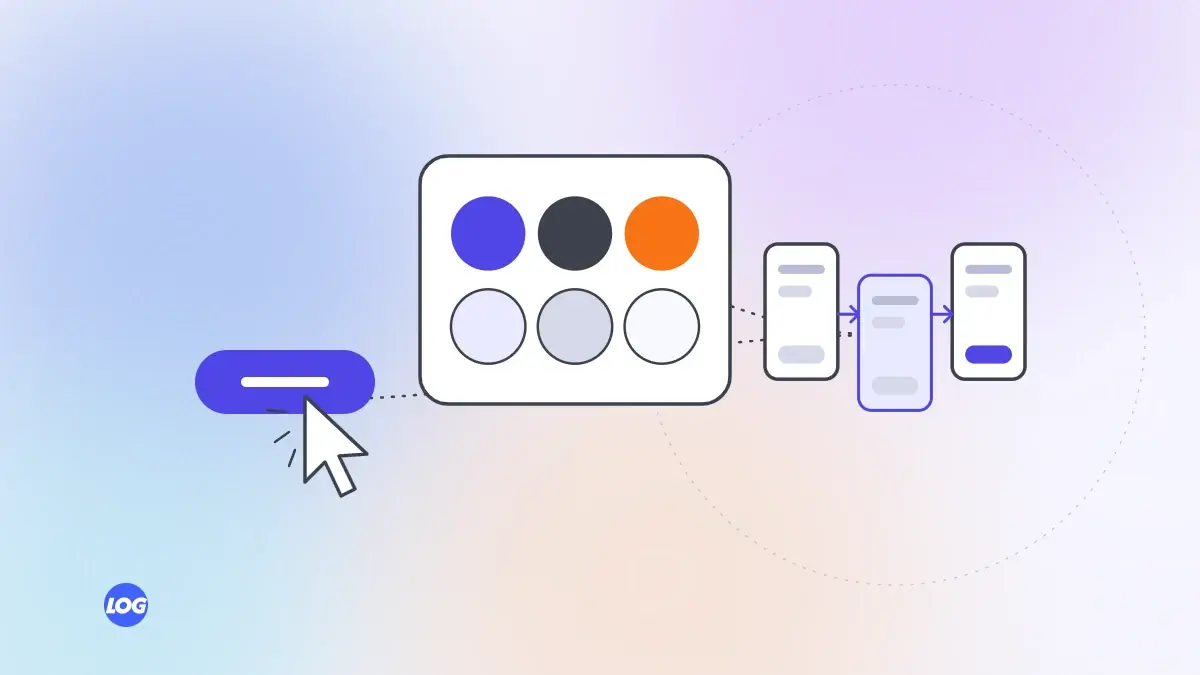
If you have looked into website or app design, you have probably met the terms UI and UX. Many people use them interchangeably, but they describe different parts of the work. Understanding UI vs UX helps you know what you are asking for, what a designer should deliver and why a site can look good but still lose customers.
UX stands for user experience. It covers how easy, quick and pleasant it is for someone to do what they came to do: find information, compare options, book an appointment or buy a product. UX work includes:
Good UX is often invisible. People do not notice it; they simply find what they need without effort.
UI stands for user interface. It is what people see and interact with: layouts, colours, typography, buttons, icons, images, forms and animations. UI work includes:
Think of a building. UX is the floor plan: where the rooms are, how people move between them and whether the kitchen is near the dining room. UI is the finish: the materials, colours, lighting and fittings. A beautiful finish cannot fix a confusing floor plan, and a good plan feels poor with careless finishing.
On a website, UX decides that the booking button should be on every service page and the form should ask only three questions. UI decides how that button and form look and feel.
Both affect enquiries and sales. Better UX removes obstacles, so more visitors complete tasks. Better UI builds trust and makes the right action obvious. Together, they often raise conversion without any extra spending on ads.
When hiring a designer or agency, ask how they research users, how they test designs before building and how they make sure designs work on phones and for people with disabilities. Some digital marketing firms offer design as an add-on; look for real research and testing in their process. Our UI/UX design service starts with how real people use your site.
Our UI/UX projects start with research: analytics, recordings of how visitors move through the site and short conversations with real customers. That shows where people struggle before we design anything.
We sketch wireframes to fix the structure and journey first, test them with a few users, then apply the visual design. Every screen is checked on phones and for accessibility before it is handed to developers.
UX, user experience, is how easy and pleasant it is to complete a task. UI, user interface, is what users see and interact with: layouts, colours, buttons and forms. Both are needed for a good website.
Yes, for best results. UX makes sure the structure and journey work; UI makes each screen clear, consistent and trustworthy. Skipping either usually costs enquiries.
Yes, often. A site can be visually impressive but hide key information, have confusing navigation or make forms hard to complete. Testing with real users reveals these problems.
No. Websites, online stores, booking systems and internal tools all benefit from UX design. Any digital product where people need to complete tasks can be improved.
Look at where visitors drop off in analytics, watch session recordings, test the site on a phone yourself and ask a few customers to complete common tasks while you observe.
UI/UX design4 min read
How wireframes and prototypes let you test layouts and journeys cheaply, before any code is written.
UI/UX design4 min read
Simple, low-cost ways to learn what customers need from your website before you redesign anything.
UI/UX design4 min read
Why designing for phones first leads to clearer, faster websites, with practical rules for small screens.