
Websites4 min read
How to Build a Website That Converts Visitors Into Enquiries
The parts of a website that turn visitors into enquiries: clear messages, trust, easy contact options and speed.
We use necessary cookies to make the site work. With your permission, we'd also like to use analytics cookies to see how people use the site, and advertising cookies to measure our ads. You can change your mind at any time. Cookie policy
A website is not finished at launch. Without care, it slowly gets slower, less secure and less useful. This guide explains what website maintenance involves, with simple monthly and yearly checklists.
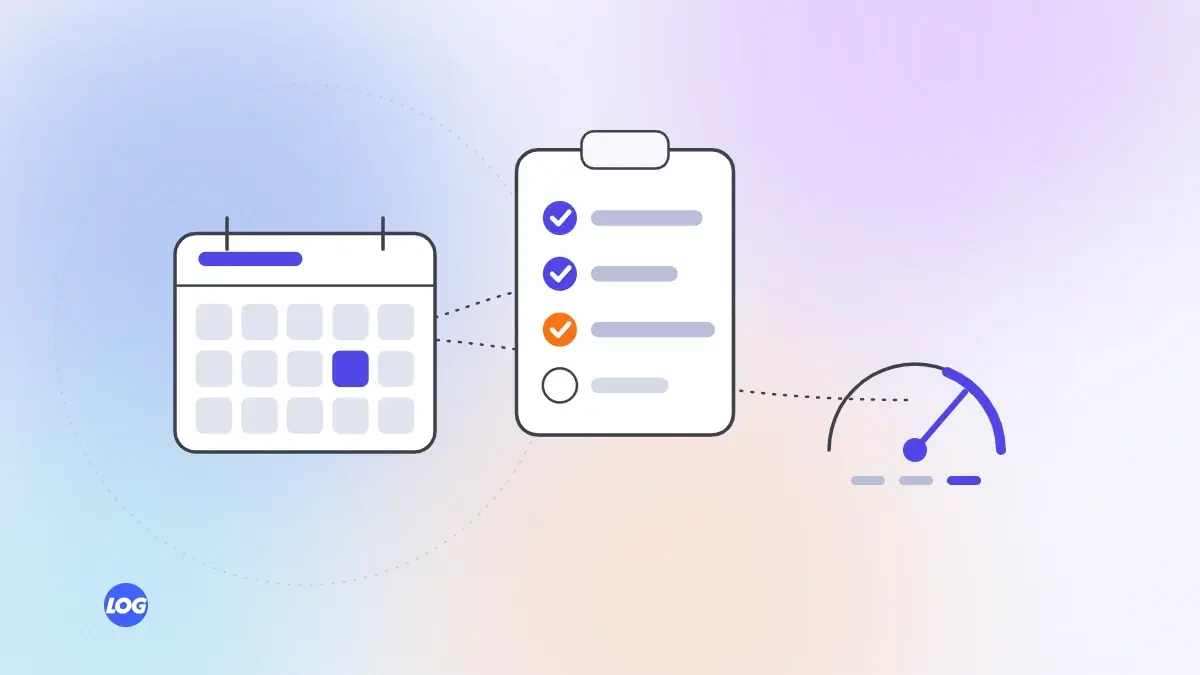
Many businesses treat a new website like a brochure: printed once and left alone. But websites change over time. Software needs updates, content goes out of date, forms break, pages slow down and search engines change what they expect. Regular website maintenance keeps your site secure, fast and bringing enquiries.
Updates. Apply updates to your content system, plugins and other software, especially security updates.
Backups. Check that automatic backups are running and stored safely.
Forms and contact options. Send a test form, tap the call and WhatsApp buttons and confirm enquiries arrive where they should. Broken forms are one of the most expensive silent problems.
Speed. Check key pages on a phone and in PageSpeed Insights. New images or scripts often slow pages down.
Search Console. Look for new errors, pages not indexed and security warnings.
Uptime. Make sure the site has not been going down without anyone noticing. Simple monitoring tools can alert you.
Content accuracy. Review prices, services, team members, opening hours, addresses and policies. Outdated details lose trust and enquiries.
Broken links. Find and fix links to pages that no longer exist, inside and outside your site.
Analytics review. Look at which pages bring visits and enquiries, and which lose visitors. Plan improvements.
Tracking. Confirm conversion tracking still records forms, calls and WhatsApp clicks correctly, especially after changes.
SEO review. Check rankings, titles, descriptions and content gaps against what customers search for.
Accessibility review. Check headings, alt text, contrast, keyboard use and forms against accessibility guidelines.
Legal pages. Update privacy and cookie policies to reflect current tools and laws.
Design and structure. Ask whether the site still reflects your business and what customers need. Plan larger improvements.
Renewals. Confirm domain, hosting and certificate renewals are set and in the business's name.
Record every change made to the site: updates applied, pages edited, plugins added and problems fixed, with the date. When something breaks, a log shows what changed recently and makes the cause much quicker to find. It also helps when a new person or agency takes over the site.
Maintenance is also a chance to improve. Each quarter, pick one or two pages that bring visitors but few enquiries, and improve their headlines, content or calls to action. Small, regular improvements add up to a noticeably better website over a year.
Add new case studies, update service pages with what you have learned and remove content that is no longer accurate. Fresh, accurate content helps customers and search engines.
Some checks, like testing forms and updating opening hours, are easy to do in house. Updates, backups, speed work and technical SEO are often better handled by your developer or a care plan. Write down who is responsible for each task.
Neglected websites often need expensive fixes later: hacked sites to clean, slow pages to rebuild and lost rankings to recover. Regular maintenance costs far less than those repairs.
Ongoing care is one of the most practical services digital marketing and web teams provide. Our website design and development service offers care plans covering updates, backups, speed and monthly checks. For speed issues, see our Core Web Vitals guide.
On our care plans, every month we apply updates, confirm backups, send test enquiries through every form, tap the call and WhatsApp buttons, check speed on key pages and review Search Console for errors.
Each quarter we review content accuracy and tracking with the client, and once a year we review SEO, accessibility, legal pages and renewals. Anything we find is listed in a short monthly note.
Software updates, backups, security checks, testing forms and contact options, speed checks, fixing errors and broken links, updating content, reviewing SEO and tracking, and keeping renewals current.
Basic checks monthly, content and tracking reviews quarterly, and broader SEO, accessibility and design reviews yearly. Security updates should be applied as soon as they are released.
You can handle some tasks, such as updating content and testing forms. Software updates, backups, speed work and technical SEO are often better handled by a developer or care plan.
It can become slower, less secure and out of date, forms may break unnoticed and rankings can fall. Fixing a neglected site usually costs more than regular care.
Usually not, beyond a short period after launch. Ask what support is included and what ongoing care costs, so you can budget for it.
Websites4 min read
The parts of a website that turn visitors into enquiries: clear messages, trust, easy contact options and speed.
Websites4 min read
A fair comparison of Next.js and WordPress for business websites: speed, editing, security, flexibility and cost.

Websites4 min read
Why speed affects enquiries and rankings, how to test it properly and the fixes that make the biggest difference.