

Performance marketing4 min read
What Does a Digital Marketing Ad Agency Do? A Look Inside
The planning, creative, tracking, testing and reporting that happen behind every well-run paid campaign.
We use necessary cookies to make the site work. With your permission, we'd also like to use analytics cookies to see how people use the site, and advertising cookies to measure our ads. You can change your mind at any time. Cookie policy
Many Indian customers would rather chat than fill in a form. Click to WhatsApp ads open a WhatsApp conversation with your business straight from Facebook or Instagram. This guide explains when they work, how to reply well and how to track results.
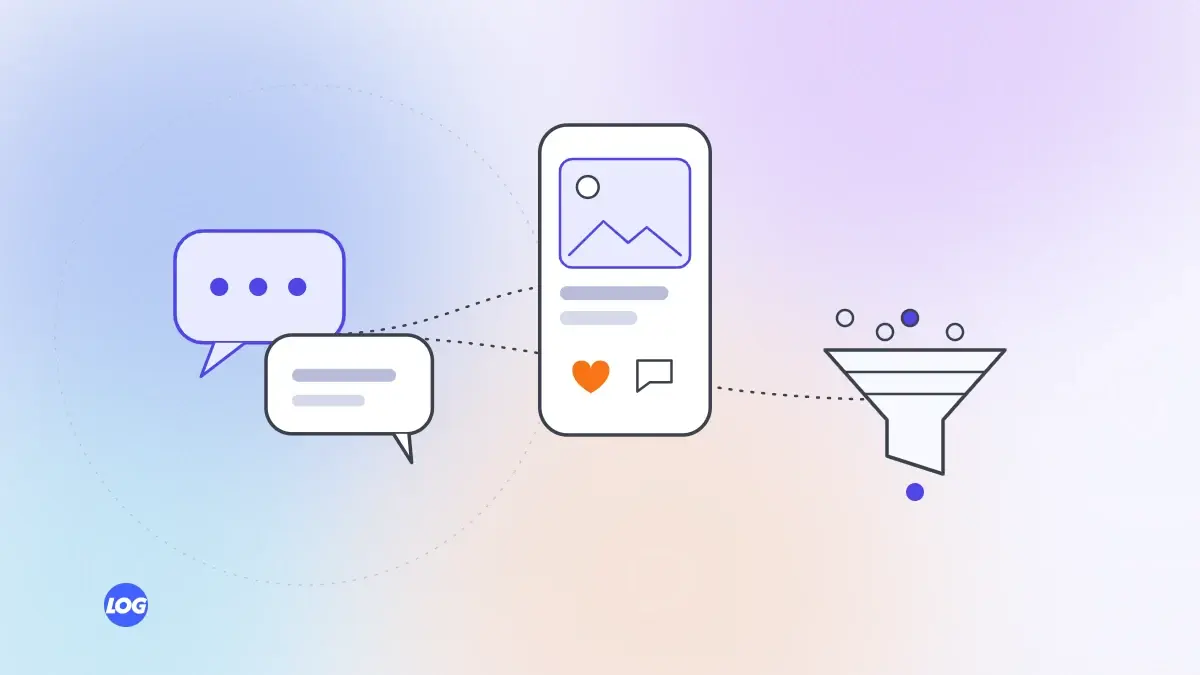
For many customers in India, WhatsApp is the most natural way to talk to a business. Click to WhatsApp ads on Facebook and Instagram take advantage of this: when someone taps the ad, a WhatsApp chat with your business opens, often with a pre-filled first message. For the right business, they can bring more conversations than any form.
They work less well when customers need detailed information first, such as complex B2B services, or when nobody can reply quickly.
Use WhatsApp Business, either the app for smaller teams or the WhatsApp Business Platform for larger volumes and multiple team members. Link it to your Facebook page and Meta ads account. Set up your business profile with hours, address, a short description and a catalogue if relevant.
Tell people exactly what they will get by tapping: "Chat with us for a quote", "Ask our dentist a question", "Check today's availability". Use the pre-filled message to set context, for example, "Hi, I'd like to know more about kitchen interiors."
Speed is everything. People who tap an ad expect a quick reply. Use:
Then have a real conversation: answer the question, ask a few qualifying questions and suggest the next step, such as a call, visit or booking.
Not every chat is a lead. Ask your team to label chats, for example as new enquiry, existing customer, spam or not a fit, and to note which became bookings or sales. WhatsApp Business labels or a simple shared sheet are enough to start.
Meta reports how many conversations your ads started, but that is only half the story. Compare:
This shows the real cost per customer and helps decide where to spend.
A chat is only useful if it leads somewhere. Within the first few messages, suggest a clear next step that suits the customer: a short call, a visit, a booking link or a quote. Share a link to the relevant page on your website when someone needs more detail, so the conversation does not stall on long explanations typed one message at a time.
Only message people who contacted you or agreed to hear from you. Do not add chat contacts to broadcast lists without their permission. Follow WhatsApp's business and commerce policies.
For many businesses, WhatsApp is now the heart of near me digital marketing: people find you nearby, then chat before visiting. Our performance marketing service sets up click to WhatsApp campaigns with a simple process for replies and tracking.
Before launching click to WhatsApp ads, we agree who will reply, during which hours, and set up an automatic greeting and quick replies for common questions. Without that, chats go cold and the ad spend is wasted.
We ask the team to label chats and note which became bookings or sales. Reports show conversations started, qualified chats and outcomes, so the client sees the real cost per customer.
They are Facebook and Instagram ads that open a WhatsApp chat with your business when someone taps them, often with a pre-filled message. They suit businesses where a quick conversation leads to a sale.
You need a WhatsApp Business account, either the app or the WhatsApp Business Platform, linked to your Facebook page and Meta ads account.
They can be, because conversations build trust and let you qualify people quickly. But they need fast, helpful replies. Compare cost per customer from chats and forms to decide.
As quickly as possible, ideally within minutes during business hours. Use an automatic greeting to set expectations, and make sure someone is responsible for replying.
Look beyond conversations started. Label chats by type, count qualified conversations and track how many became bookings or sales, to find the real cost per customer.
Performance marketing4 min read
The planning, creative, tracking, testing and reporting that happen behind every well-run paid campaign.
Performance marketing4 min read
How B2B businesses can use LinkedIn ads to reach the right job titles and companies, and judge results by sales pipeline.

Performance marketing4 min read
How to plan Facebook and Instagram ads that bring enquiries: objectives, audiences, creative, lead forms and tracking.