
SEO5 min read
What Search Engine Optimization Services Include (and What They Should Not)
The parts every good SEO service should cover, the shortcuts to avoid and how to compare proposals fairly.
We use necessary cookies to make the site work. With your permission, we'd also like to use analytics cookies to see how people use the site, and advertising cookies to measure our ads. You can change your mind at any time. Cookie policy
On-page SEO is everything you control on the page itself. This guide walks through titles, descriptions, headings, content, images and internal links, so each page clearly answers the search it targets.
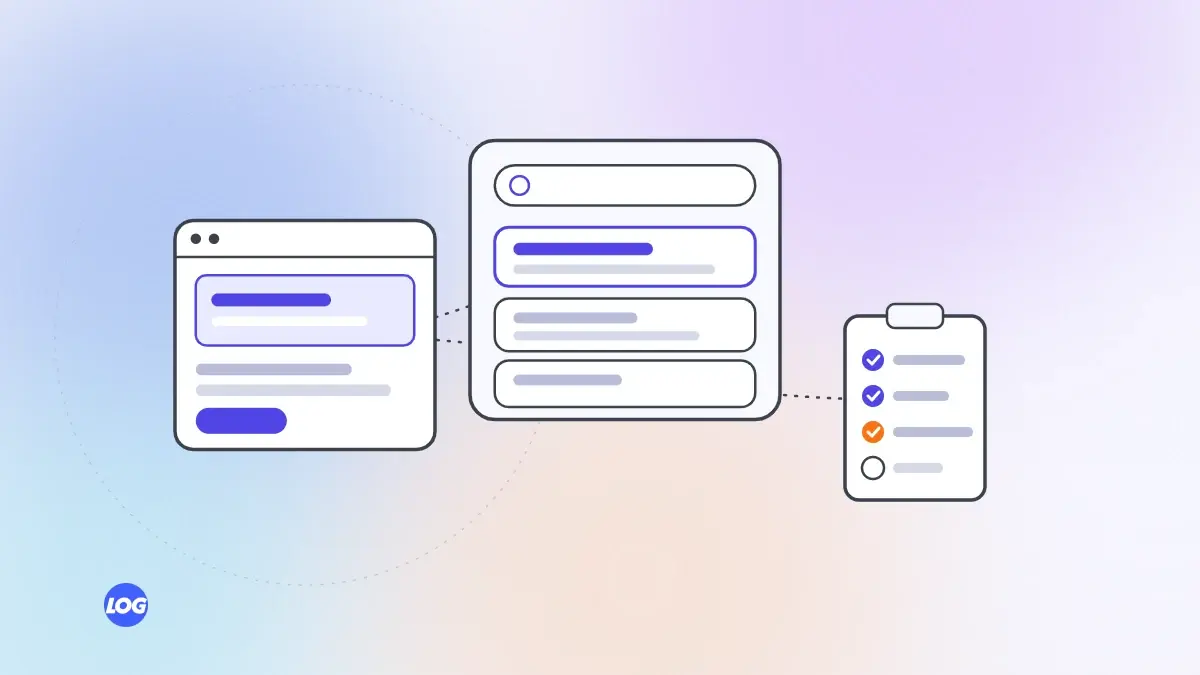
On-page SEO covers everything on a page that you control: the title, the description, the headings, the words, the images and the links. Done well, it makes each page clear to both search engines and people. Done badly, even a strong website can struggle to rank. Here is how to set up a page properly.
Before editing a page, decide which search it should answer. A page about your Google Ads service should target Google Ads searches; a page about local SEO should target local SEO searches. Pages that try to cover everything rarely rank for anything.
The page title is the blue link in Google's results. Make it:
Write it for people: it should make someone want to click.
The meta description often appears as the grey text under your title. Google may rewrite it, but a good one still earns clicks. In about 150 characters, say what the page offers and why it is worth visiting.
Each page should have one main heading, the H1, that says what the page is about. Break the rest into sections with H2 headings, and use H3 headings for smaller points within them. Headings should describe the section so a reader can scan them and find what they need.
Readers decide quickly whether a page will help. Answer the main question in the first few lines, then add detail, examples and explanation. Use the main search phrase naturally in the opening, and do not repeat it more than reads well.
Google aims to reward content written by people who know the subject. Add the detail only you can give: how you do the work, what customers usually ask, mistakes to avoid and honest limits. Real photos of your work help too.
Give images descriptive file names and alt text that says what the image shows. Alt text helps people who use screen readers and helps search engines understand images. Compress images so they do not slow the page down.
Internal links help visitors move to the next useful page and help Google understand which pages matter most. Link from articles to related services, from services to examples of your work and between related services. Use link text that describes the destination, such as "Google Ads management" rather than "click here".
Page addresses should be short and readable, such as /services/branding, rather than long strings of numbers. Once a page is live and ranking, avoid changing its address, or redirect the old one if you must.
Most visitors arrive on a phone. Read the page there: is the text easy to read, are buttons easy to tap and is the next step obvious?
On-page work is a regular part of our search engine optimisation service. For the first steps you can take yourself, see our SEO tips.
When we improve a page, we first confirm which search it should answer and check whether another page on the site competes for it. Then we rewrite the title, description and headings, make sure the opening answers the question and add internal links to and from related pages.
We start with the pages already close to the first page of results, because small improvements there often bring the quickest gains.
On-page SEO is the work done on the page itself to help it rank: the title, meta description, headings, content, image alt text, internal links and page address. It makes each page clear to search engines and readers.
About 50 to 60 characters is a good guide, so the title is not cut off in search results. Put the main search phrase near the start and keep the title unique for every page.
There is no magic number. Use it in the title, the main heading and the opening, then write naturally. Repeating a phrase too often makes the page harder to read and does not help rankings.
Ideally, yes. Google may show its own snippet instead, but a clear, unique description often earns more clicks. Write it as a short, honest summary of what the page offers.
Internal links connect pages on your own website. They help visitors find related information and help search engines understand which pages are most important and how topics relate.
SEO5 min read
The parts every good SEO service should cover, the shortcuts to avoid and how to compare proposals fairly.

SEO5 min read
Why SEO prices vary so much, the factors that drive cost and how to tell whether a quote is good value.

SEO5 min read
SEO works better when it is planned with your ads, social media and website. Here is how each one supports the others.