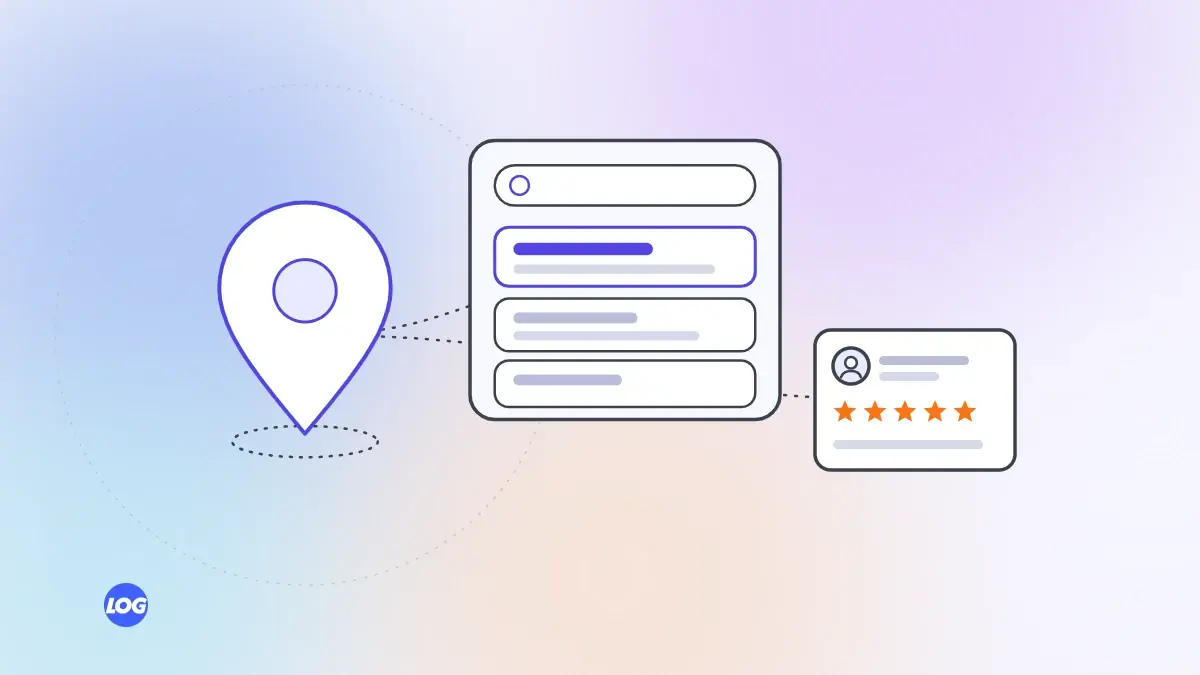
When someone types "dentist near me" or "interior designer near me", they are rarely browsing. They want to call, book or visit soon. That makes near me searches some of the most valuable searches a local business can appear in. This guide explains how Google decides who to show and what you can do to be one of those businesses.
How Google chooses local results
Google has said that local results are based mainly on three things:
- Relevance: how well your business matches what the person searched for.
- Distance: how far your business is from the person searching, or from the place they mentioned.
- Prominence: how well known and trusted your business is, judged from reviews, links, mentions and your website.
You cannot change where a customer is standing, but you can improve relevance and prominence.
Start with your Google Business Profile
Your Google Business Profile is the listing that appears on Google Maps and in the local results. Claim it, verify it and fill in every part properly:
- Choose the main category that best describes your business, then add other accurate categories.
- Add your services, opening hours, service area, phone number and website.
- Upload real photos of your premises, team and work.
- Keep the details up to date, especially hours on holidays.
Many businesses lose near me searches simply because their profile is incomplete or out of date.
Make your details consistent everywhere
Your business name, address and phone number should be exactly the same on your website, your profile and every directory you appear in. Small differences, such as an old phone number on a listing site, can make Google less confident about which details are correct.
Earn genuine reviews
Reviews help with prominence and with persuading people to choose you. Ask happy customers to leave a review, make it easy with a direct link and reply to every review politely, including the critical ones. Never buy reviews or write them yourself. It breaks Google's rules and Indian consumer guidelines.
Give your website local pages
Your website should make it clear where you work. Include your full address and a map on your contact page. If you serve several areas, create a page for each one only if you have something genuinely useful to say about working there. Thin copies of the same page with a different town name do more harm than good.
Track the calls, not just the rankings
Near me searches often lead straight to a phone call or a direction request, not a website visit. Your Google Business Profile shows these actions. Count them alongside website enquiries, so you can see what local search is really worth.
Getting help with near me digital marketing
Most of these steps take time rather than money. If you would rather hand them to a team, look for one that explains what it will change and reports calls and enquiries, not just positions on a map. Our search engine optimisation service covers local SEO and Google Business Profile work for this reason. For more first steps, see our SEO tips.