
Google Ads5 min read
Google Ads Cost in India: How Pricing Works and What Affects It
How the Google Ads auction decides what you pay per click, what pushes costs up and how to set a budget that pays back.
We use necessary cookies to make the site work. With your permission, we'd also like to use analytics cookies to see how people use the site, and advertising cookies to measure our ads. You can change your mind at any time. Cookie policy
You pay for every click, so the page people land on decides whether that money becomes an enquiry. This guide explains how to build a landing page for Google Ads that matches the search, loads fast and makes the next step easy.
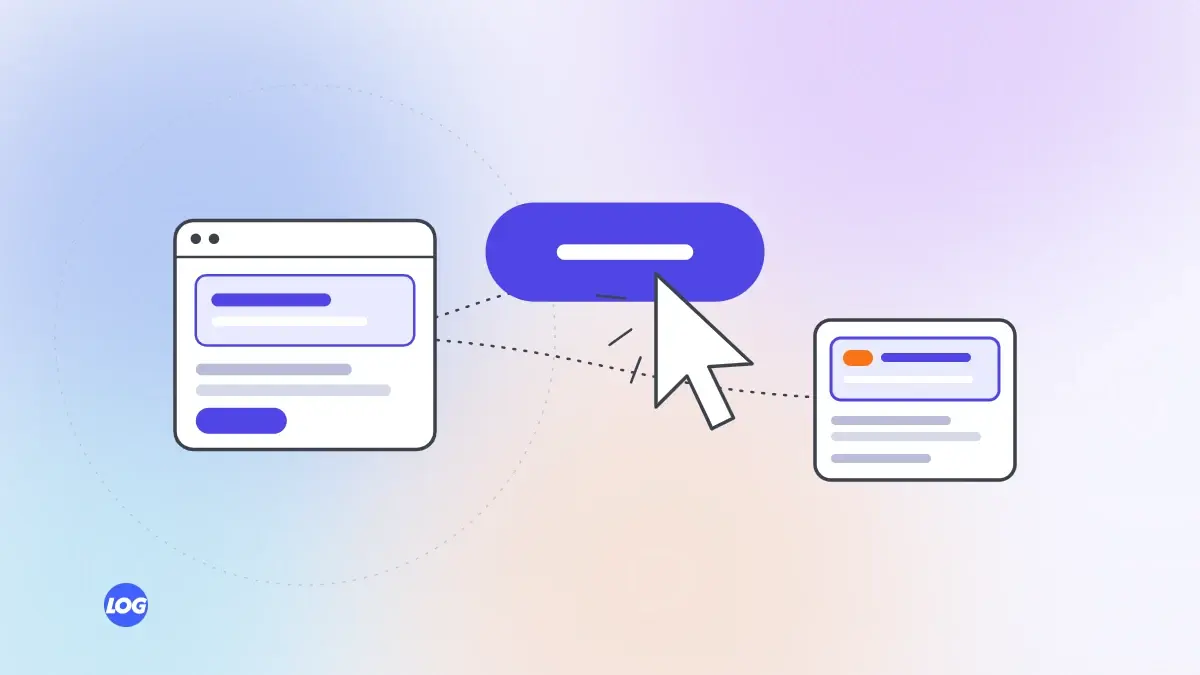
Many Google Ads campaigns fail not because of the ads but because of the page they lead to. Sending every click to your home page makes visitors hunt for what they searched for, and many give up. A dedicated landing page for Google Ads keeps the promise your ad made and turns more clicks into enquiries. Here is how to build one.
The first thing a visitor should see is a heading that matches what they searched for and what your ad said. If someone searched for "dental implants in Trichy" and your ad promised "Dental implants with a free consultation", the page heading should say much the same. This tells visitors they are in the right place and helps Google judge your landing page experience.
Decide the single action you want: a call, a form, a WhatsApp chat or a booking. Make that action obvious near the top of the page and repeat it lower down. Remove distractions such as full navigation menus, links to unrelated services and pop-ups that get in the way.
Within a few seconds, a visitor should understand:
Use short paragraphs and lists. Save long explanations for further down the page.
People hesitate before contacting a business they do not know. Help them with:
Only use claims you can support.
Ask only for what you need to respond: usually a name, a phone number and a short message. Every extra field loses some people. Offer a call and WhatsApp option alongside the form, because many Indian customers prefer them.
Most Google Ads clicks come from phones. Compress images, avoid heavy scripts and test the page on a real phone over mobile data. A page that takes too long to load wastes the click you paid for. Our Core Web Vitals guide explains how to find what slows a page down.
Make sure form sends, call taps and WhatsApp clicks are tracked as conversions in Google Ads, so you can see which campaigns and keywords bring enquiries.
Once the page has enough visitors, test one change at a time: a different heading, a shorter form, a new photo or a clearer offer. Keep what improves the enquiry rate. Small improvements to the page can lower your cost per enquiry as much as changes to the ads.
For your most important services, yes. A page for each main service or offer usually converts better than one general page. For smaller services, a well-structured service page on your main site can work.
If you work with a digital marketing ads agency, ask whether it builds landing pages or expects you to. Our Google Ads management service works with our website design and development team, so pages and ads are planned together.
When we plan a Google Ads campaign, we look at the landing page before writing a single ad. If it does not match the search, loads slowly on a phone or hides the call and WhatsApp buttons, we fix that first.
For the most important services we build a dedicated page with one clear action, then test one change at a time once enough visitors arrive. Every call tap, form and WhatsApp click is tracked back to the keyword that brought it.
For your most important services or offers, usually yes. A page that matches the search and has one clear action converts better than a general home page. Smaller campaigns can use a well-built service page.
A heading that matches the search and ad, a clear offer, trust signals like reviews and photos, a short form or easy call and WhatsApp options, and fast loading on a phone.
Yes. Landing page experience is part of how Google judges ad quality, which affects your position and cost per click. A relevant, fast, useful page can help you pay less for better positions.
Often it is better to remove or simplify the menu, so visitors focus on one action. Keep your logo, contact details and essential links such as the privacy policy.
Track conversions and compare the enquiry rate of different pages and versions. If many people click but few enquire, test changes to the heading, offer, form and speed one at a time.
Google Ads5 min read
How the Google Ads auction decides what you pay per click, what pushes costs up and how to set a budget that pays back.
Google Ads4 min read
How negative keywords stop your ads showing for the wrong searches, plus starting lists and a simple weekly routine.
Google Ads4 min read
How Google's Performance Max campaigns work, which businesses they suit and how to keep them focused on real results.